
How Can't be Late works
Last updated 5 August 2026 · 4 min read
The calculation
Every leave-time alert comes from the same four inputs. What makes it useful is not any single one of them but the fact that they're combined continuously, rather than once when you set a reminder.
Where you need to be and when, pulled automatically from your iPhone calendar.
How far you actually are from the destination right now — not an assumption that you're at home.
Current road conditions on the route, rechecked as the event approaches.
The slack you set once for parking, walking in, and settling before it starts.
The important consequence: your leave time is not a fixed number. The same 9am meeting might need an 8:15 departure on a clear day and a 7:50 departure when the route is congested. A calendar reminder set to “30 minutes before” cannot know the difference. That gap is where most lateness comes from.
Setting it up
1Download Can't be Late from the App Store
The app is free and runs on any iPhone with iOS 16 or later. There is no account to create.
2Allow calendar access
Can't be Late reads upcoming events from your iPhone calendar so it can see where you need to be and when. Any event with a location becomes something it can time your departure for.
3Allow location access
Location is what makes the alert accurate — it's how the app knows your real distance to the destination right now rather than assuming you're at home. It is used only to calculate and trigger alerts.
4Set your personal buffer
Choose how much slack you want on top of the travel estimate — the time to park, walk in, and settle. Set it once and it applies to every future alert.
5Choose your notification style
Pick the tone of your reminders, from straightforward to the sassy setting. This changes the wording, not the timing.
6Close the app and forget about it
That's the whole setup. From here alerts fire on their own before each event, and you never need to open the app again.
What it looks like
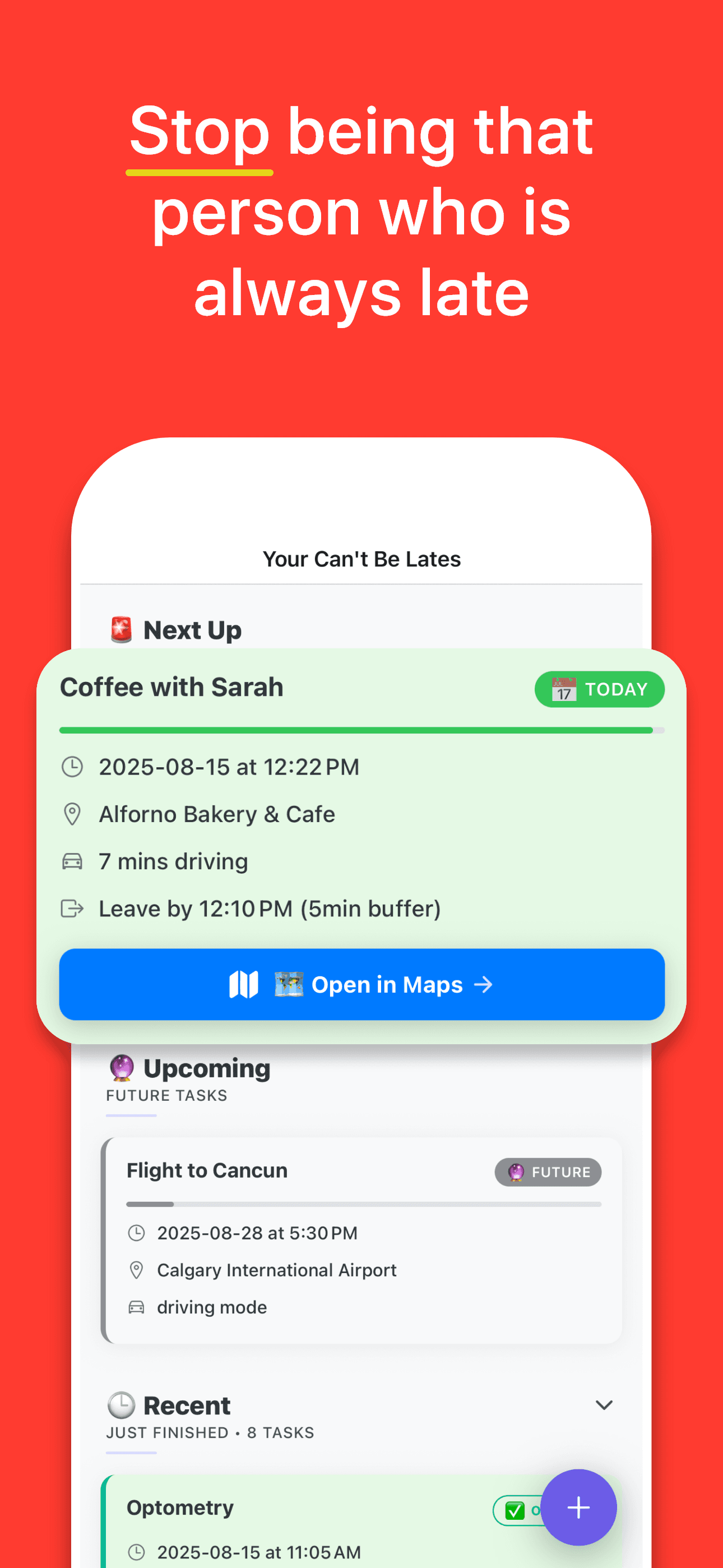
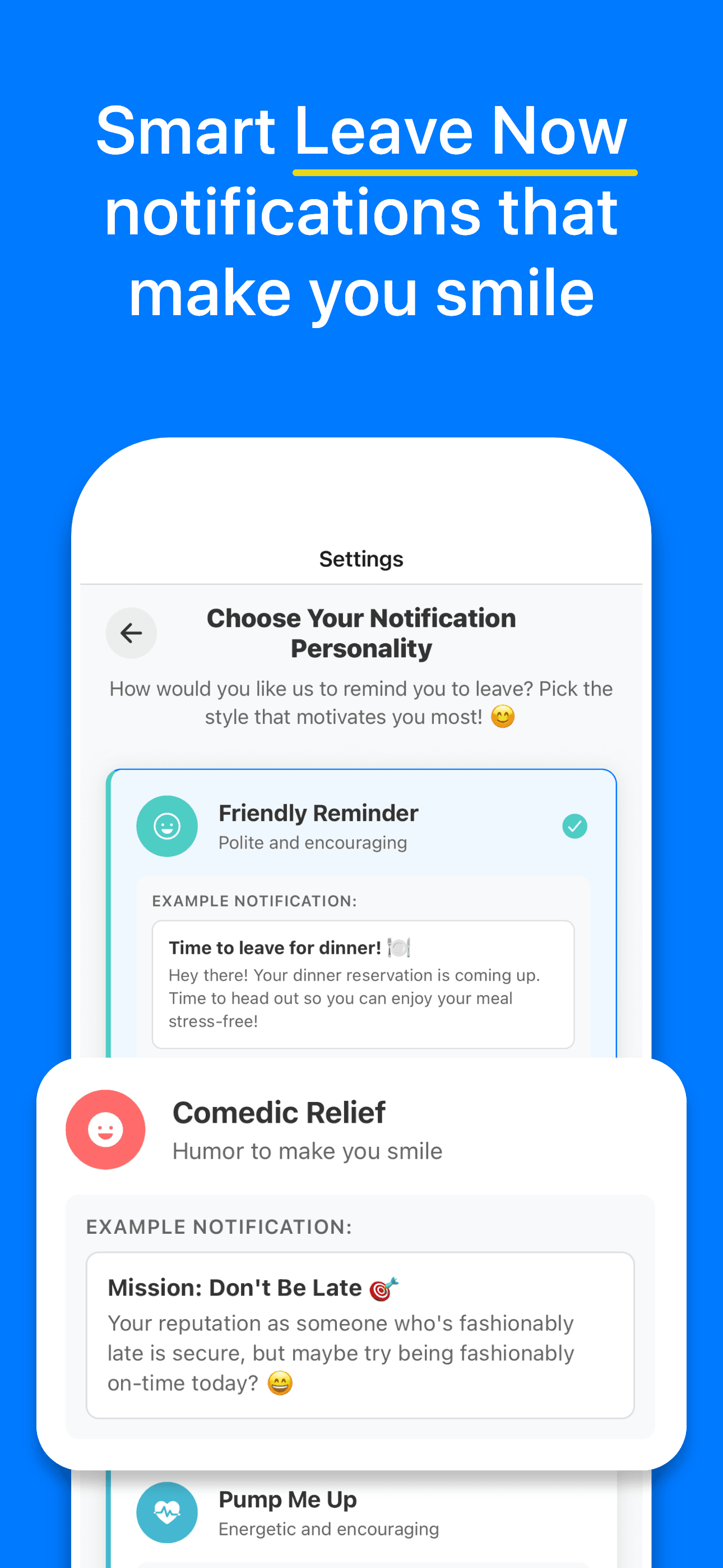
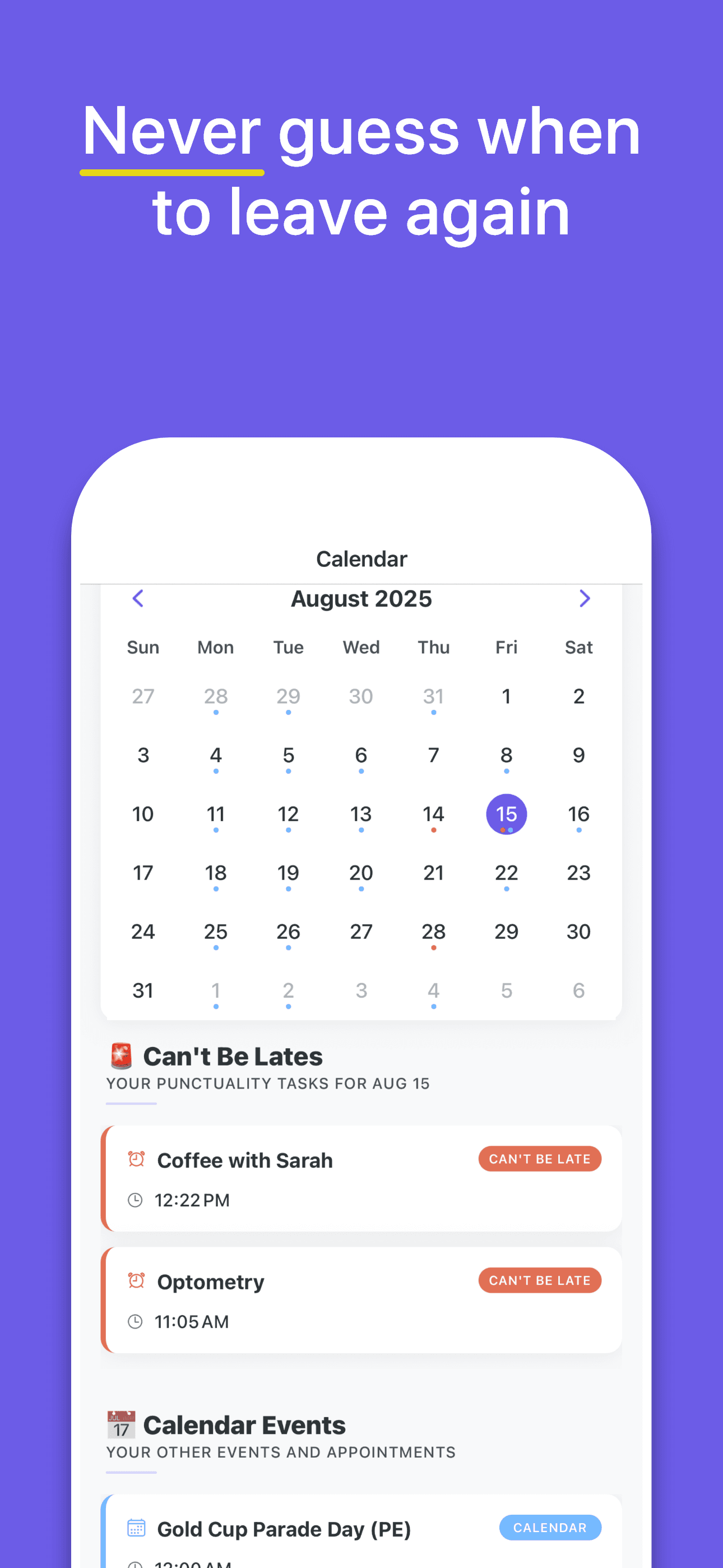
Streaks and rewards
Confirming an on-time arrival builds a streak, and streaks unlock badges and rewards. This exists for a practical reason rather than a decorative one: the alert solves the calculation, but you still have to act on it. Making the arrival itself feel like something you scored turns following the alert into a habit rather than a decision.
Privacy
Location is used for one thing: working out when to notify you. Can't be Late does not sell, share, or store personal location data, and there is no account to create. The privacy policy covers this in full.
Common questions
What data does Can't be Late use to calculate my leave time?
Four inputs: your next calendar event and its location, your current distance to that location, live traffic conditions on the route, and the personal buffer you configured. Those combine into a single departure time that updates as traffic changes.
Does Can't be Late store or sell my location?
No. Location is used only to calculate and trigger your alerts. Personal location data is not sold, shared, or stored. Full details are in the privacy policy.
Will it drain my iPhone battery?
No. The app minimises background activity while you're stationary and only works harder as an event approaches, which keeps battery impact minimal.
What if my calendar event has no location?
Without a destination there's no travel time to calculate, so no leave alert is generated for that event. Adding a location to the event is enough to enable it.
Is Can't be Late available on Android?
Not currently. Can't be Late is an iPhone app requiring iOS 16 or later. There is no Android or iPad version at this time.